
Guides
Comprehensive MMORPG Guides & Technical Troubleshooting Hub
Welcome to the central intelligence hub at GRAMBL, your premier destination for mastering complex digital realms, optimizing account settings, and executing advanced technical troubleshooting. In modern online gaming ecosystems, a microsecond of latency, an unoptimized interface, or an unresolved connection restriction can mean the difference between a successful legendary raid and a critical wipe. Our expertly curated repository provides data-driven solutions, structural game command libraries, and step-by-step diagnostic workflows engineered to maximize your in-game performance, unlock hidden game parameters, and elevate your technical control over complex multiplayer architectures.
Whether you are navigating high-stakes end-game progression paths across evolving virtual continents, managing multi-regional profile deployments, or modifying hidden engine graphics variables to bypass single-core CPU rendering bottlenecks, these systematic articles provide the analytical clarity needed by competitive digital operators worldwide. Our continuous operational updates ensure that every diagnostic layout, official server synchronization patch workaround, and configuration breakthrough remains fully synchronized with the newest patch ecosystems and infrastructure guidelines.
Advanced Diagnostics & Virtual Economy Operations
Modern multiplayer titles function atop a intricate web of global backend server nodes, localized regional marketplaces, and strict database verification protocols. When network packet loss or authorization drops manifest, utilizing basic consumer-grade reboots rarely addresses the underlying system desynchronization. The resources hosted within this catalog dissect technical anomalies down to their engineering core, offering verified solutions for digital profile recovery, secure database parameter migrations, and deep-level operating system optimizations tailored specifically for CPU-bound rendering engines.
Core Optimization Categories
- Infrastructure Synchronization: Resolving critical network drops, tracing routing paths to game hubs, and eliminating packet discrepancies during high-density server traffic.
- Account Lifecycle Management: Executing seamless global marketplace transfers, updating verified region settings, and securing digital asset libraries from false automated restrictions.
- Client Configuration: Unlocking hidden interface options via formal terminal input frameworks, boosting frame rates in populated staging areas, and stabilizing hardware output during complex boss encounters.
Frequently Asked Questions
How do I resolve systemic network connection errors causing game client disconnects?
Persistent connection drops usually point to underlying packet desynchronization or local routing anomalies rather than a simple hardware failure. To fix this systematically, clear your local DNS cache via your operating system terminal, verify that your network adapter protocols are optimized for high-frequency server handshakes, and configure your firewall rules to permit unrestricted traffic through the game client's specific operational ports.
Why does my game frame rate drop drastically during crowded end-game raids or events?
Many legacy multiplayer engines are heavily CPU-bound, meaning their visual performance relies strictly on single-core processor throughput rather than parallel graphics card pipelines. When dozens of character models and visual spell effects saturate the screen simultaneously, you must utilize specialized console commands to reduce hidden interface delays, limit off-screen nameplate rendering loops, and adjust combat log update frequencies to offload immediate processor stress.
What steps should I take if a digital gaming account is restricted or locked out due to security protocols?
Automated security systems often flag profiles when they detect unusual regional login changes, concurrent device connections, or temporary data discrepancies that resemble a terms of service violation. Regaining profile access requires a structured, formal diagnostic review: isolate the specific network trigger that initiated the system lockout, prepare a precise verification profile, and utilize an optimized, factual appeal layout directed to customer support without relying on generic automated resolution templates.
Refine Search
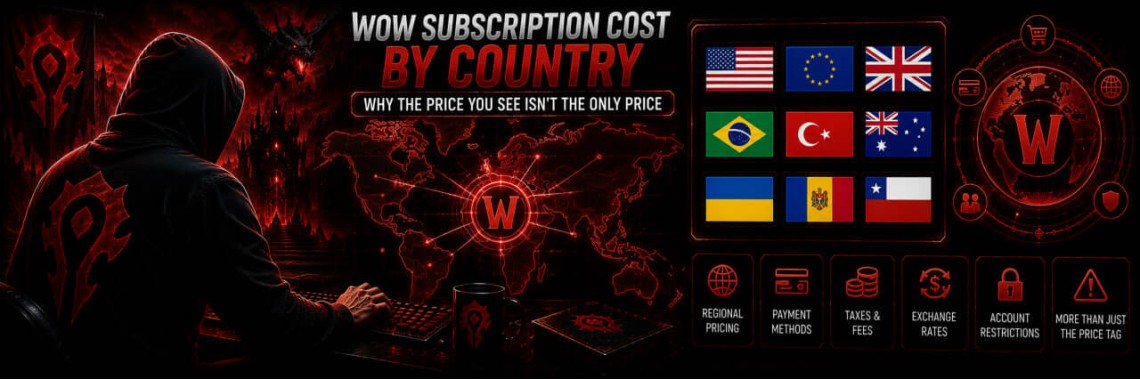
WoW Subscription Cost by Country — Why the Price You See Isn't the Only Price
- By GRAMBL
- 04/09/2026
- 0 comments
- 77 views
WoW Subscription Cost by Country — Why the Price You See Isn't the Only Price The WoW subscription cost everyone quotes — $14.99 in the US, €12.99 across most of Europe — isn't the whole story. Battle.net prices subscriptions per country, and once you account for real exchange rates, some countries pay dramatically less for the exact same 30 days of game time than others. This guide breaks down exactly where, by how much, and why. 💵 US standard: $14.99/mo · 💶 EU standard: €12.99/mo · 🌍 Regional pricing varies by country · 💸 Save up to ~55% The Two "..
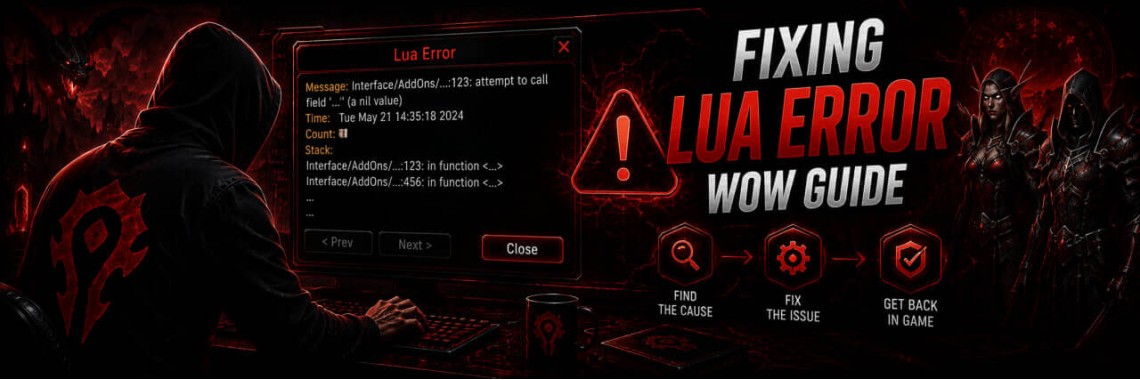
How to Fix LUA Errors in WoW: Ultimate Troubleshooting Guide
- By GRAMBL
- 31/07/2026
- 0 comments
- 478 views
How to Fix LUA Errors in WoW: Ultimate Troubleshooting Guide A LUA error in WoW is an internal user interface warning generated when a custom addon script or custom UI code fails to execute properly within World of Warcraft's LUA runtime environment. These errors frequently appear after major game updates, expansion launches (such as The War Within or Midnight), or when installing outdated modifications. At GRAMBL, we have engineered this definitive, entity-structured guide to help players across WoW Retail, WoW Classic, and Season of Discovery diagnose, suppress, and permanently repair ..
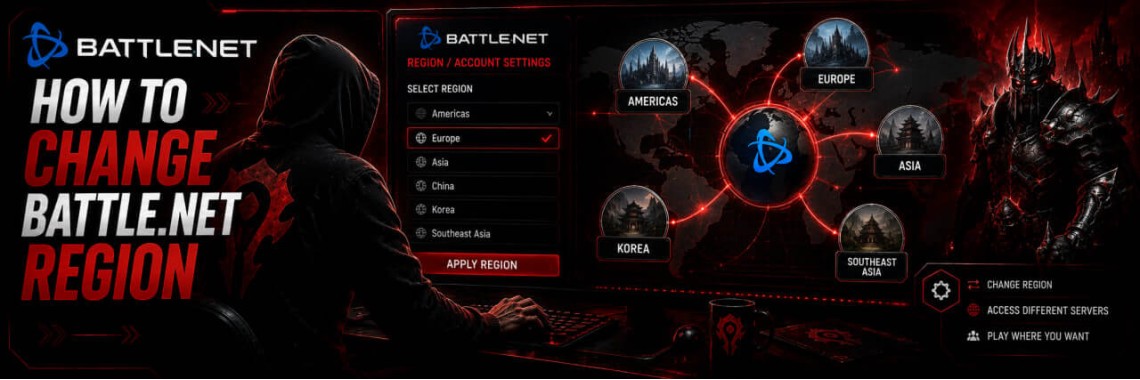
How to Change Your Battle.net Region | Account Country Update Guide
- By GRAMBL
- 27/07/2026
- 0 comments
- 216 views
How to Change Your Battle.net Region A complete guide for players in every country — two methods, what actually changes on your account, and everything you need to know before you switch. ⚡ Automatic method: 1–2 minutes · 🌍 All countries covered · 🎮 Affects every Blizzard game · 💡 Free step-by-step guide 🛡️ Prefer a guaranteed result? GRAMBL specialists change Battle.net regions every day — quickly and with full account safety. Order a region change → What Is a Battle.net Region and Why Does It Matter? Every Battle.net..
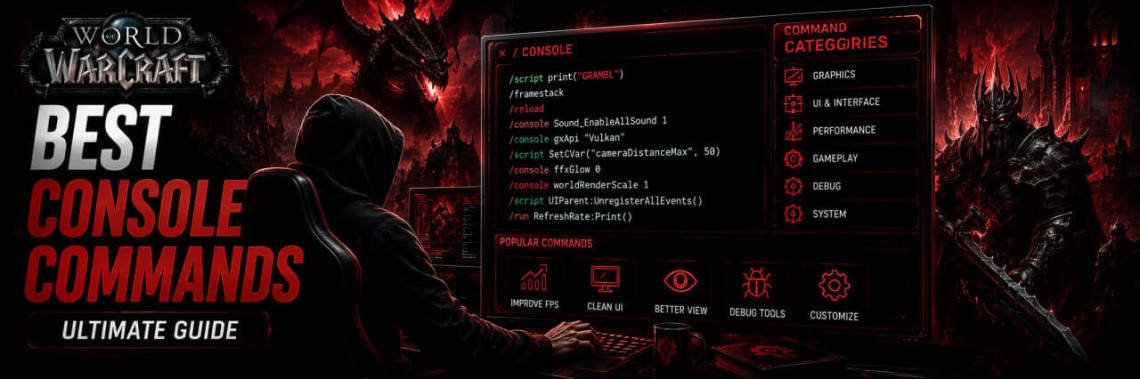
WoW Console Commands: Complete Guide to Graphics, Camera, and Interface Settings
- By GRAMBL
- 25/07/2026
- 0 comments
- 90 views
WoW Console Commands: Complete Guide to Graphics, Camera, and Interface Settings Console commands in World of Warcraft are an official tool provided by Blizzard to modify hidden game parameters that are unavailable in the standard options menu. Using the in-game console allows you to optimize raids, eliminate interface delays, and expand your field of view. How to Enter Console Commands in WoW All parameters are activated through the standard in-game chat window. Every command must begin with a forward slash /. To apply a setting, type the command into the chat and press Enter. Bes..
How to Fix Battle.net Error BLZBNTTAS00000006: Account Unlock Guide
- By GRAMBL
- 23/07/2026
- 0 comments
- 99 views
How to Fix Battle.net Error BLZBNTTAS00000006: Account Unlock Guide Encountering the Battle.net Error BLZBNTTAS00000006 means Blizzard Entertainment has temporarily locked or permanently suspended your account due to a detected security breach, unauthorized access pattern, or violation of the Terms of Service. This guide provides a step-by-step diagnostic breakdown and an optimized support email appeal template to help you restore access to your digital library. If your initial attempts are rejected or you want to avoid structural mistakes that lead to a permanent automated ban, you can ..
WoW Performance Boost: How to Fix Lag, FPS Drops & Stuttering
- By GRAMBL
- 22/07/2026
- 0 comments
- 118 views
WoW Performance Boost: How to Fix Lag, FPS Drops & Stuttering Even on high-end gaming rigs, large 20+ man raids, intense PvP battlegrounds, and crowded expansion capitals like those in The War Within or Midnight can cause severe FPS drops and micro-stutters. This happens because World of Warcraft's engine heavily relies on single-core CPU performance, making it a highly CPU-bound game. Here is an essential checklist of highly effective settings to optimize both your game client and operating system for peak performance across all endgame content. 1. Fine-Tuning In-Game Graphic..
How to Fix WoW51900319 Error in World of Warcraft
- By GRAMBL
- 22/07/2026
- 0 comments
- 57 views
WoW51900319 Error Fixing Guide: Comprehensive Connection Troubleshoot The WoW51900319 error is an official World of Warcraft network error code. In World of Warcraft, the WoW51900319 error indicates that the game client lost its connection to the Blizzard Entertainment game servers. While traditional guides state that no alternative solutions exist beyond rebooting your router, this advanced technical brief provides verified engineering solutions to resolve the root causes of packet loss and synchronization drops. Technical Core: What Causes WoW Error WOW51900319? To effectively ..
Newest Articles
-
 WoW Subscription Cost by Country — Why the Price You See Isn't the Only Price
04/09/2026
WoW Subscription Cost by Country — Why the Price You See Isn't the Only Price
04/09/2026
-
 WoW Macro Generator: Build & Copy Perfect Macros in Seconds
06/08/2026
WoW Macro Generator: Build & Copy Perfect Macros in Seconds
06/08/2026
-
 How to Fix LUA Errors in WoW: Ultimate Troubleshooting Guide
31/07/2026
How to Fix LUA Errors in WoW: Ultimate Troubleshooting Guide
31/07/2026
-
 What WoW Role Should I Play? Tank, Healer or DPS Quiz
31/07/2026
What WoW Role Should I Play? Tank, Healer or DPS Quiz
31/07/2026
-
 What WoW Class Am I?
30/07/2026
What WoW Class Am I?
30/07/2026
Most Popular
-
How to Fix LUA Errors in WoW: Ultimate Troubleshooting Guide
478 views
-
 How to Change Your Battle.net Region | Account Country Update Guide
216 views
How to Change Your Battle.net Region | Account Country Update Guide
216 views
-
 WoW Performance Boost: How to Fix Lag, FPS Drops & Stuttering
118 views
WoW Performance Boost: How to Fix Lag, FPS Drops & Stuttering
118 views
-
 How to Fix Battle.net Error BLZBNTTAS00000006: Account Unlock Guide
99 views
How to Fix Battle.net Error BLZBNTTAS00000006: Account Unlock Guide
99 views
-
 WoW Console Commands: Complete Guide to Graphics, Camera, and Interface Settings
90 views
WoW Console Commands: Complete Guide to Graphics, Camera, and Interface Settings
90 views